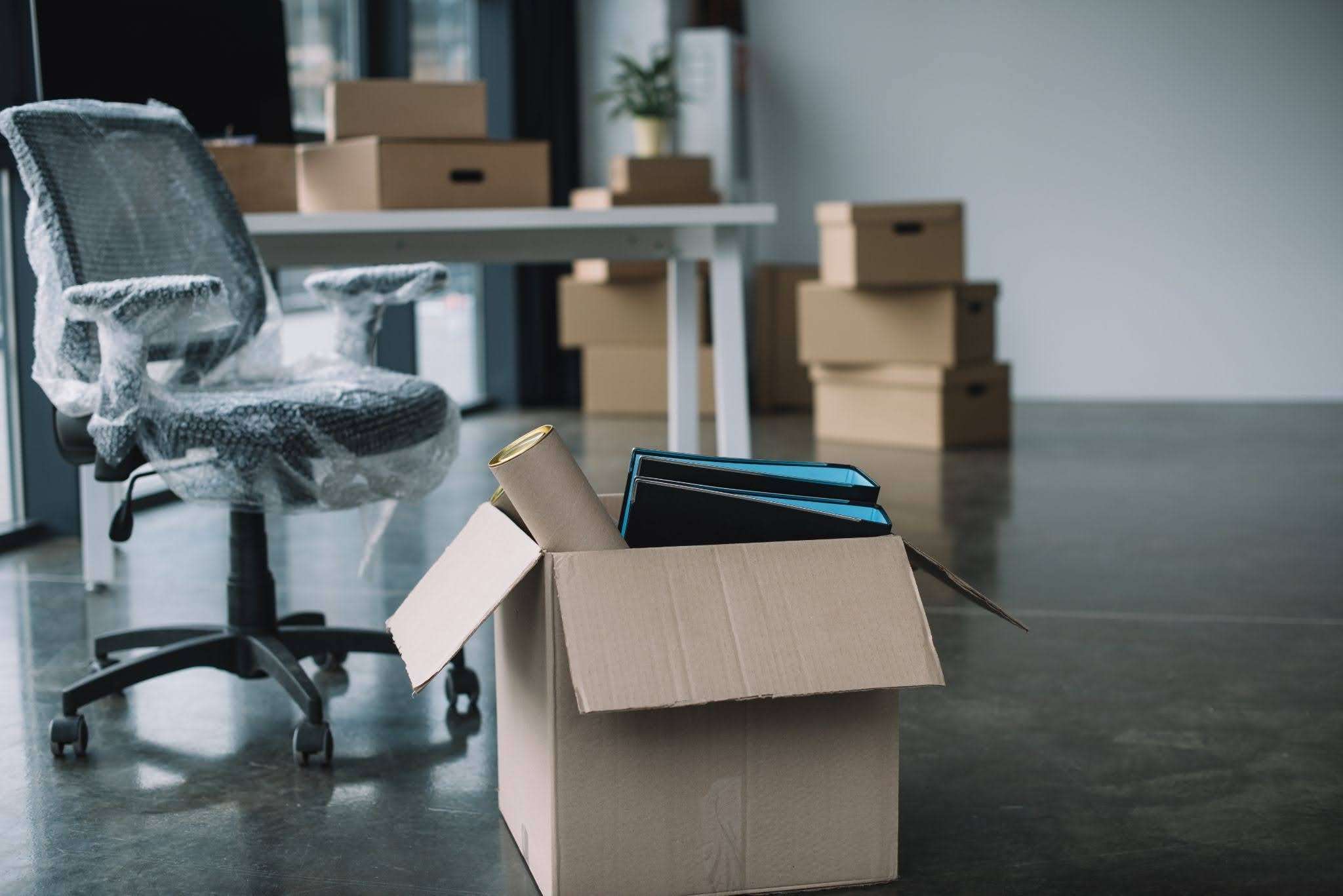
Moving offices can feel like a logistical nightmare. Endless packing, lifting, paperwork, and the pressure to keep operations running smoothly.
The good news? With the right strategy, you can move without the chaos. These office moving tips will save you time, keep your stress levels low, and ensure your team settles in quickly.
Read more: 4 Key Factors That Can Influence Your Office Relocation Costs
Need a trusted moving partner for a hassle-free office move? Soon Seng’s expert team is here to help. WhatsApp us today!

1. Start Planning Early as Last-Minute Moves Cost More
Time is money, and when you leave things to the last minute, you pay for it – whether in rushed decisions, higher costs, or operational downtime.
The best approach? Start planning at least three months in advance for a small office move. If you are relocating a larger office, planning 12 months ahead gives you ample time to coordinate every detail.
A structured plan reduces stress, prevents disruptions, and ensures your team can resume work as soon as possible. Here is how to break it down:
- 12 Months Before
Set a budget, shortlist moving companies, and confirm lease details for your new office
- 6 Months Before
Assign roles, communicate the plan to employees, and sort out IT infrastructure needs.
- 3 Months Before
Finalise the moving date, book a professional mover, and start decluttering.
- 1 Month Before
Begin packing, update business addresses, and schedule moving-day logistics.
Here’s an office moving tip for you: Use a shared document or project management tool like ClickUp, Trello, or Asana to track tasks and deadlines. This way, every person in your organisation is up to date with all the moving plans and progress.
Read more: 10 Things to Consider When Relocating Your Office on a Budget
2. Declutter Before Packing – Don’t Move What You Don’t Need
Why waste time and money moving outdated files, broken furniture, or unused equipment? A move is the perfect opportunity to streamline your office setup. Decluttering not only reduces moving costs but also helps you start fresh in your new space.
How to Declutter Efficiently:
- Sort everything into categories – Keep, Donate, Sell, Recycle, Discard
- Digitise where possible – Scan old documents and store them in the cloud
- Get employees involved – Let each department decide what they actually need
Another useful office moving tip: Check with local charities and recycling centres to dispose of unwanted office furniture and electronics responsibly. Some organisations may even offer free pick-up services, saving you the hassle!
Read more: Expert Tips on Packing Fragile Items For Moving / Where to Recycle E-Waste
Need help with furniture disposal or secure packing? We’re here to keep things simple and hassle-free for you. Reach out via WhatsApp or call us at 65 6339 0039 / 65 6566 8212 for expert assistance.

3.Hire Professional Office Movers to Avoid Costly Downtime
Thinking of handling your office move yourself? While it might seem like a cost-saving option, the risks of delays, damaged equipment, and lost productivity can quickly add up.
Professional movers, like Soon Seng, have the expertise, specialised equipment, and manpower to execute a smooth relocation with minimal disruption.
With careful planning and efficient handling, we ensure your business stays on track – even during the move. From securely packing sensitive equipment to setting up your new workspace quickly, our team takes care of everything so you can focus on running your business.
Let’s get you moved, minus the stress. Drop us a message on WhatsApp to plan your hassle-free office relocation today!
4. Label Everything – Save Hours of Sorting Later
Unpacking can quickly become a nightmare if you’re left guessing where everything belongs. Labelling your boxes clearly with department names and key contents helps streamline the process and minimises confusion.
For an even smoother transition:
- Use Colour-Coded Labels
Assign different colours to each department or category to make identification easy.
- List Key Contents on the Label
Instead of just writing “Office Supplies,” specify “Stationery – Pens, Notebooks, Staplers” for quicker sorting.
- Label on Multiple Sides
Place labels on at least two adjacent sides so they are visible no matter how the boxes are stacked.
- Go Digital with QR Codes
Generate QR codes linked to an inventory spreadsheet, allowing teams to scan and instantly access a full list of what is inside.
A well-labelled move means fewer misplaced items, less downtime, and a faster return to business as usual.

5. Assign a Move Coordinator – One Decision-Maker Speeds Things Up
A disorganised office move can lead to confusion, delays, and miscommunication. Without a single point of contact, small decisions can pile up, slowing the entire process. Assigning a move coordinator ensures that all queries, approvals, and unexpected issues are handled efficiently.
Why a Move Coordinator is Essential:
- Clear Communication
Serves as the go-to person between movers, employees, and management.
- Faster Decision-Making
Reduces bottlenecks by making on-the-spot decisions about packing, logistics, and last-minute changes.
- Minimises Errors
Keeps track of timelines, floor plans, and team responsibilities to ensure nothing is overlooked.
Who Should Take the Role?
The ideal move coordinator should be highly organised, detail-oriented, and proactive. They should also be comfortable liaising with external vendors and delegating tasks within the team.
For larger office relocations, consider appointing department representatives to report to the main coordinator. This ensures smoother coordination across all teams and minimises disruption to daily operations.
6. Update Your Address Everywhere to Prevent Business Disruptions
The last thing you want is missed deliveries or clients showing up at the wrong location. Update your address with vendors, banks, customers, online directories, and all relevant parties in advance of your move.
Key Areas to Update:
- Customers and Clients
Inform your customers about your new location through email, newsletters, or website announcements to prevent missed appointments or misdirected visits.
- Suppliers and Service Providers
Ensure vendors, delivery services, and utilities (internet, electricity, water) have your new address to avoid service interruptions.
- Marketing and Online Presence
Update your business website, Google My Business, social media profiles, and online directories so potential customers can find you easily.
- Subscription Services
Modify your address for office-related subscriptions, including magazines, industry publications, and software billing records.
Pro Tip: Send out a formal announcement via email or social media and place a notice on your old premises for a few weeks post-move to redirect any walk-in clients.
7. Pack an ‘Essentials Box’, Don’t Waste Time Searching for Key Items
The first day in a new office should not be spent rummaging for Wi-Fi routers, chargers, or coffee supplies. Pack an essentials box with must-haves like internet equipment, stationery, and basic kitchen supplies.
What to Include in Your Essentials Box:
- Tech and Connectivity
Wi-Fi router, network cables, chargers, extension cords, and backup batteries.
- Office Basics
Pens, notepads, scissors, tape, and other stationery.
- Workplace Comfort
Coffee, tea, snacks, disposable cups, and cutlery for a quick break without unpacking everything.
- Hygiene Supplies
Hand sanitiser, tissues, and cleaning wipes to keep the workspace fresh from the start.
- Emergency Contacts and Documents
A printed list of key phone numbers (IT support, movers, building management) and any important paperwork related to the move.
Pro Tip: Label the box clearly and transport it separately to ensure it is accessible as soon as you arrive.

8. Schedule IT Setup in Advance to Avoid Costly Downtime
Your office is nothing without functioning computers, printers, and Wi-Fi. Get your IT team involved early to plan disconnections and reconnections. Ideally, test and troubleshoot all equipment a day before employees move in.
Key Steps for a Smooth IT Transition:
- Assess the New Office
Check network infrastructure, power outlets, and server room requirements.
- Schedule Internet and Phone Setup
Contact service providers to transfer or upgrade connections before moving day.
- Plan Disconnections and Reconnections
Ensure a structured timeline for shutting down and setting up workstations, servers, and printers.
- Backup Critical Data
Unexpected issues can arise, so back up important files and system settings to avoid data loss.
- Test Everything Before Move-In
A day before employees arrive, run a full systems check to ensure all devices, network connections, and software function correctly.
An extra office moving tip for you: Assign an IT lead on moving day to handle troubleshooting and get everything running smoothly before employees start work.
Read more: IT Checklist for Moving to a New Office
9. Inform Employees Early – A Well-Prepared Team Moves Faster
Surprise moves cause chaos. People will waste time figuring out where to go, what to do, and how to settle in.
Keep your team in the loop with clear timelines, packing instructions, and what to expect in the new space. The better prepared they are, the easier the move.
Here’s another office moving tip: Send out a moving-day survival guide with key details like parking, security access, seating plans, and who to contact for help. A quick virtual tour or walkthrough before the move can also ease the adjustment.
10. Conduct a Final Walkthrough to Catch Problems Before They Cost You
Before you officially say goodbye to your old office, do one last sweep. Check for any damages that might cost you your security deposit.
Make sure nothing important is left behind. And also confirm that all utilities are properly disconnected. Don’t forget to return keys, access cards, and security passes to the building management.
The final office moving tip: Create a simple checklist covering leased equipment, storage areas, and common spaces. A quick photo or video walkthrough can also serve as proof that everything is in order when handing over the space.

Move Your Office Without the Headaches
Moving doesn’t have to be stressful. With these time-saving office moving tips, you can streamline the process and get back to business faster.
Need professional movers you can trust? Soon Seng’s expert team ensures a smooth transition so you can focus on what really matters – your business.
Have questions or ready to move? Call 65 6339 0039 or 65 6566 8212, WhatsApp us, or email admin@soonsengtransport.com.sg for a seamless office relocation.